

Sales & Bookings
From sales offer to booking without retyping a thing.
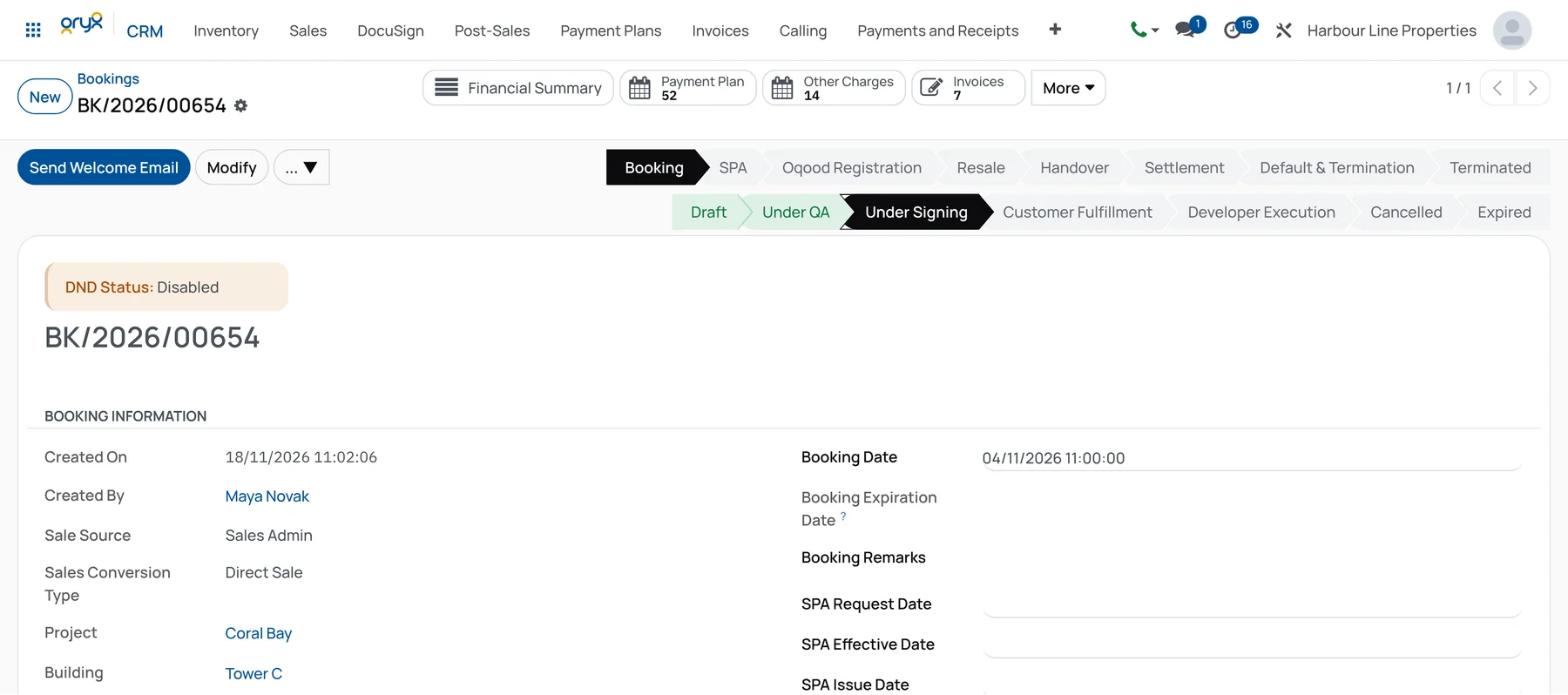
Oryx Sales & Bookings takes a buyer from sales offer to booking on one record. The unit, price, payment plan and buyer IDs are entered once and reused on every document that follows.
- Faster yes
A sales offer from the won lead in one step, with the unit, price and plan filled in.
- Typed once
Buyer IDs are read automatically and reused on every document after.
- Always current
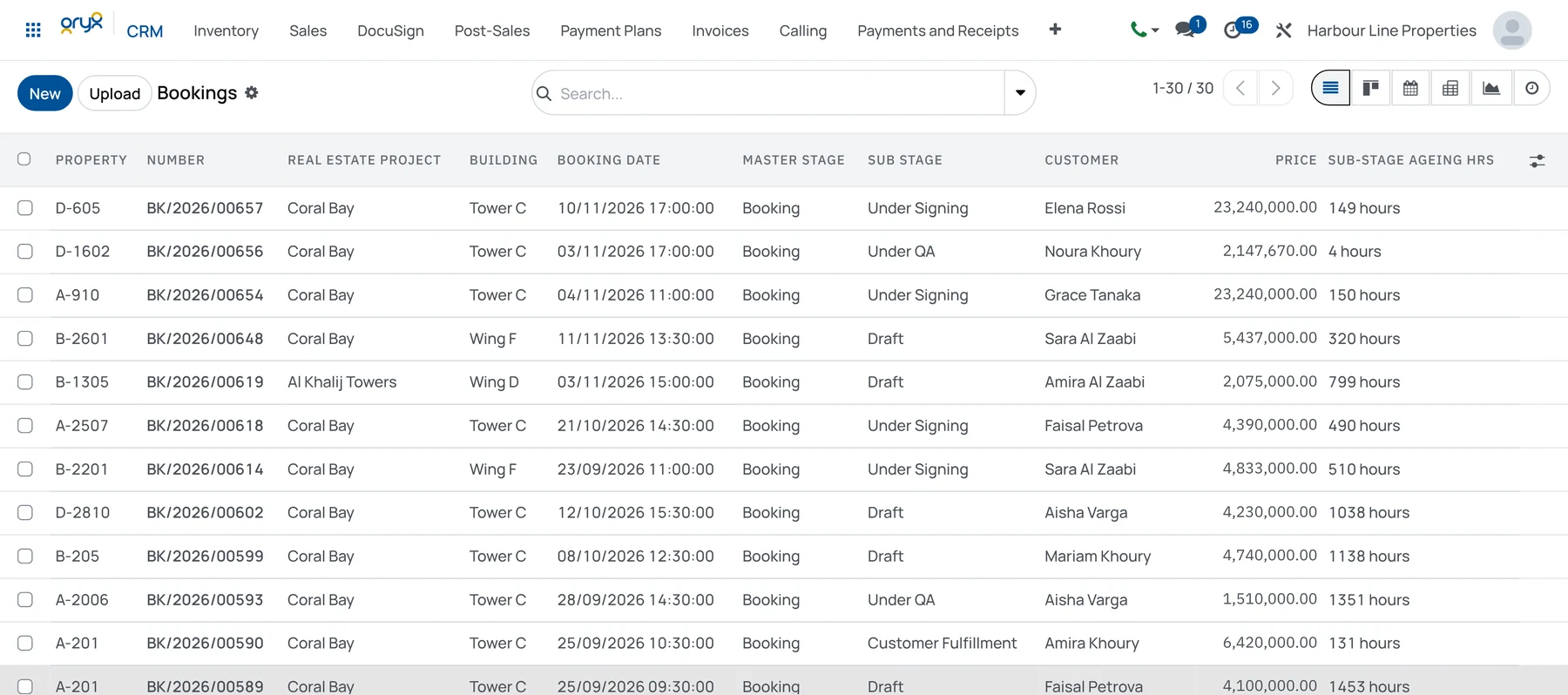
Available, reserved, booked and sold, live for the sales office, brokers and your website.
What changes for your team.
| Today | With Oryx |
|---|---|
| The booking form is retyped from the sales offer, then again into the contract. | The booking opens from the won lead with the unit, price and plan filled in. |
| Passport and Emirates ID details are typed by hand. | IDs are read automatically from the uploaded copy, and a person checks them. |
| Unit status means asking the sales admin. | Available, reserved, booked and sold, live for the sales office, brokers and your website. |
How Sales & Bookings works.
Sales offers, EOIs, bookings and payment plans on one record that every team works from.
- 1Offer
Pick the unit and the payment plan. The sales offer is produced with the price and every instalment date.
- 2Hold
An EOI or reservation holds the unit while the buyer decides.
- 3Book
The booking opens from the lead with everything filled in. Passports and Emirates IDs are read automatically and checked by a person.
- 4Keep the buyer posted
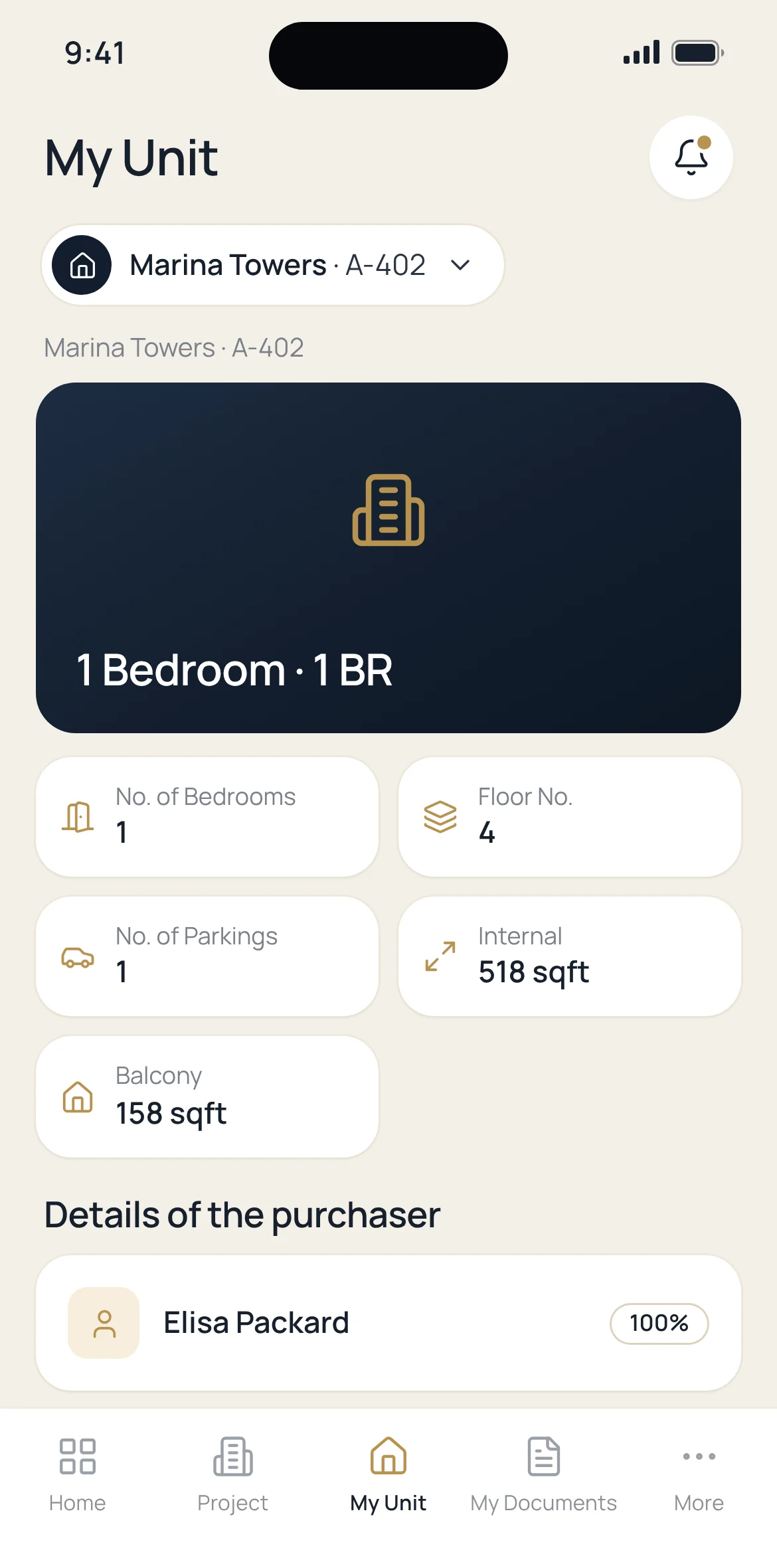
The buyer gets an email from your templates at each stage, and sees the booking journey in the customer app.
- 5Pass it on
The booking moves to Contracts for the reservation agreement and SPA, and to Collections for the payment schedule.
What's included
- Booking prefilled from the won lead
- Sales offers and EOIs
- Payment plan templates per project
- IDs read automatically
- Statuses from available to sold
- Customer emails at every stage
Works with
- Leads & Marketing
- Inventory Portal
- Contracts & Registration
- Collections
- Customer App
In the UAE
- Payment plans
Down payment, construction-linked and post-handover plans are set as templates per project.
- DLD fees
Registration fees are worked out on the booking, so the buyer sees the full amount up front.
- Buyers from abroad
Passports and Emirates IDs are both read automatically.
Who uses it
- SalespersonMakes offers and opens bookings.
- Sales adminChecks the booking and its documents.
- Sales managerWatches units, bookings and conversion by project.
- FinancePicks up the payment schedule the booking creates.
See Sales & Bookings on your kind of project. We set up sample data like a UAE off-plan launch and show the steps your team runs.
Meet UsMore Sales & Bookings screens.
Sales & Bookings questions.
Can a buyer hold a unit before the full booking?
Yes. An EOI or a reservation holds the unit, and its status shows as reserved on every channel.
How are passport and Emirates ID details captured?
The buyer's ID copy is uploaded and read automatically. A person checks the result before it is used, and the details are then reused on every document.
Can each project have its own payment plans?
Yes. Payment plan templates are set per project, with versions kept when a plan changes.
Do buyers get updates as the booking moves?
Yes. An email from your own templates goes out at each stage, and the customer app shows where the booking is.
Can we see where each booking came from?
Yes. The salesperson, agency, source and campaign carry over from the lead.
See your next launch on Oryx.
We show the solutions you pick, on sample data set up like a UAE off-plan project. We reply within one working day.
- No preparation needed
- Your solutions first
- A written proposal after